This section will cover specific information about the Dragoonoid Substance Painter Files.
Note
For a crash course on how to use Substance Painter, head to the 🌱 Substance Painter Basics section
Even if you’re experienced with Substance Painter, I advise you to read this next section of the guide.
Universal Substance Painter Project
If you don't have Substance Painter 2026, I've included a .USPP file. Head to Universal Substance Painter Projects for more information.
Dragoonoid Projects
There are 4 Substance painter Projects for the Dragoonoid: - Body - Clothing - Hair - Leggings
Note
A crash can sometimes occur when trying to open Substance Painter project files directly through your file explorer. If you experience crashing when opening a file, open Substance Painter and open the file using Substance's "File>Open" menu
Warning
If you plan on using both the SFW and NSFW versions of the avatar, use the NSFW version of the Substance Painter Project! It will export both SFW and NSFW versions!
Paint Layer Effects
If you find yourself unable to paint on masks, I recommend becoming familiar with Paint Layer Effects in 🌳 Substance Painter Advanced#Paint Layer Effect.
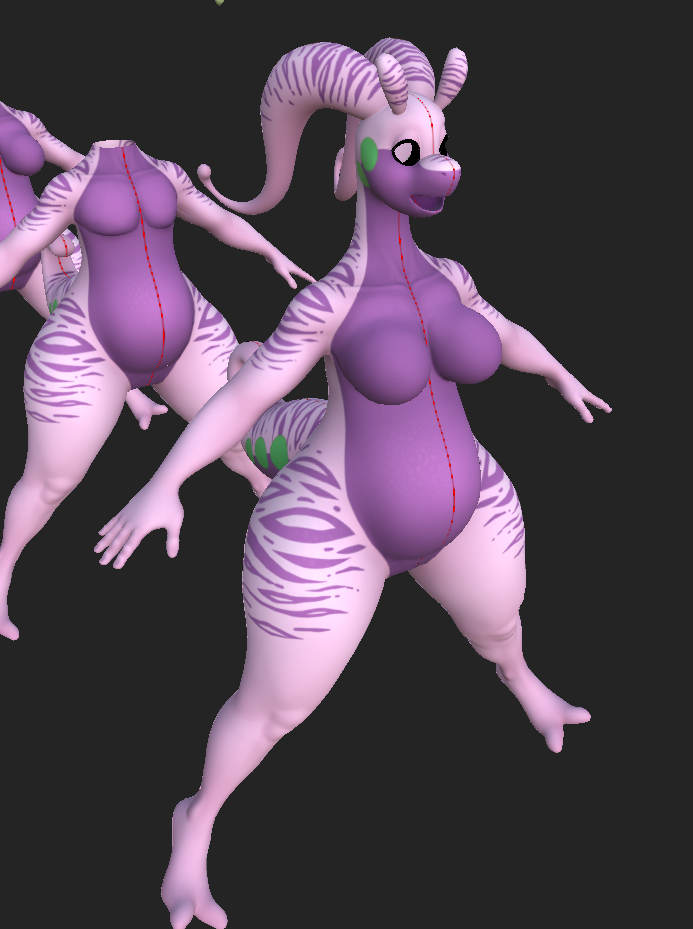
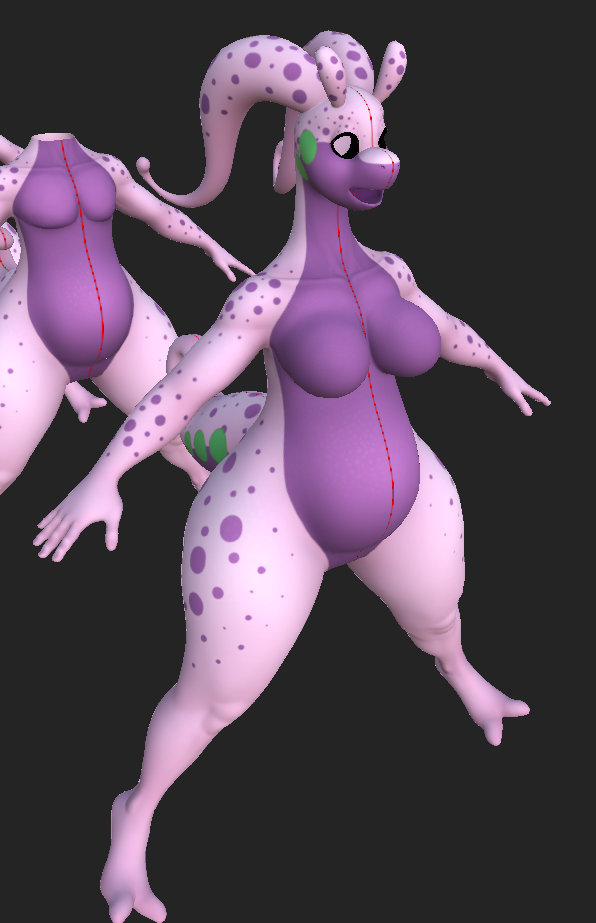
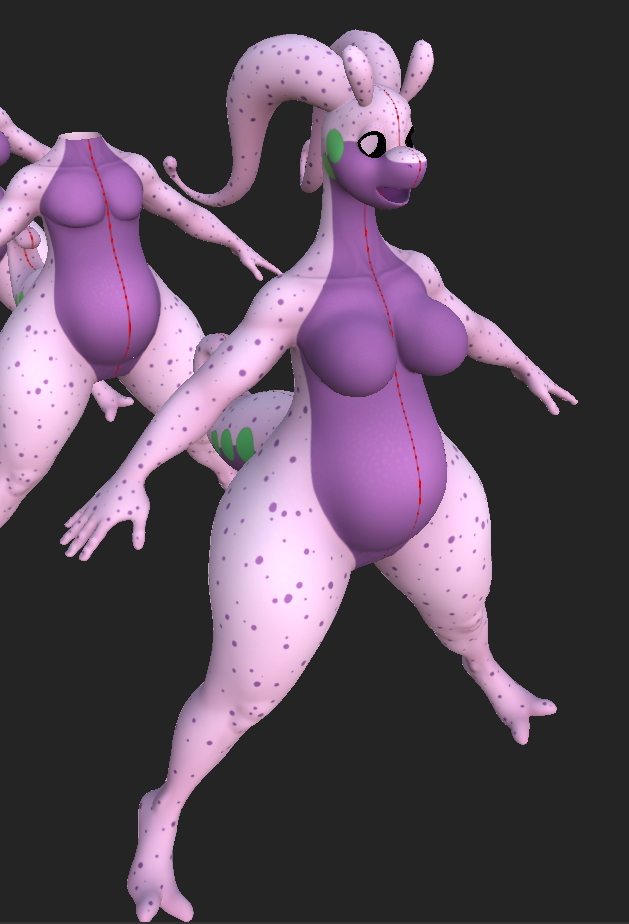
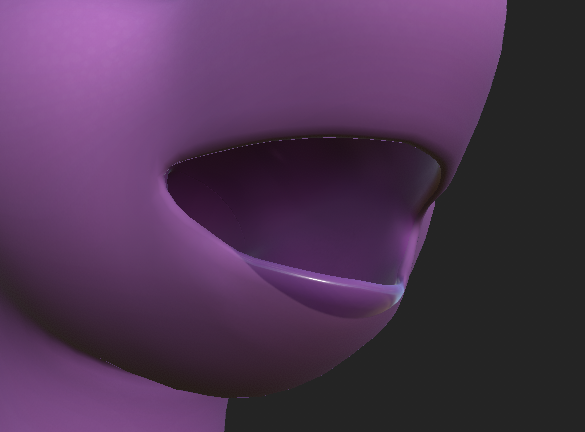
Alternate layers
An optional layer for preset markings is included. Experiment and have fun! An optional layer also puts lipstick on the bottom lip.
| Stripes | Dots (Big) | Dots (Small) |
|---|---|---|
 |
 |
 |
| Lipstick |
|---|
 |
Leggings
I recommend only changing the colors or patterns for the leggings. I provided a latex toggle in-game since I figured a lot of people might want to change their leggings to that.
Replacing metallics and specular on Poiyomi is a little tricky with this setup. Normally, you could replace the existing metallics and specular with a version of the body that has the leggings on, but because the leggings use their own UV map, and because we're able to toggle the arm warmers or leg warmers using masks, This complicates things. We can't replace it with a global mask containing the desired values, because then it would apply it to both the legs and arms, regardless of which one is toggled.
I experimented with assigning an overlaid material on top of the body, which would have simplified things greatly, but this method relies on the last material slot always being Body. There doesn't seem to be a way to control the material order when exporting from Blender or when importing into Unity, and because of this, I wasn't able to apply this technique on the NSFW version and decided to stick with the decal method.
Anchors
This project has a lot of anchors. It's a good idea to become familiar with them before working on the project. Refer to 🌳 Substance Painter Advanced#Anchors
Lighting and shading layers
Refer to 🌳 Substance Painter Advanced#New Shading and Lighting setup
Emissions
Refer to 🌳 Substance Painter Advanced#Emissions
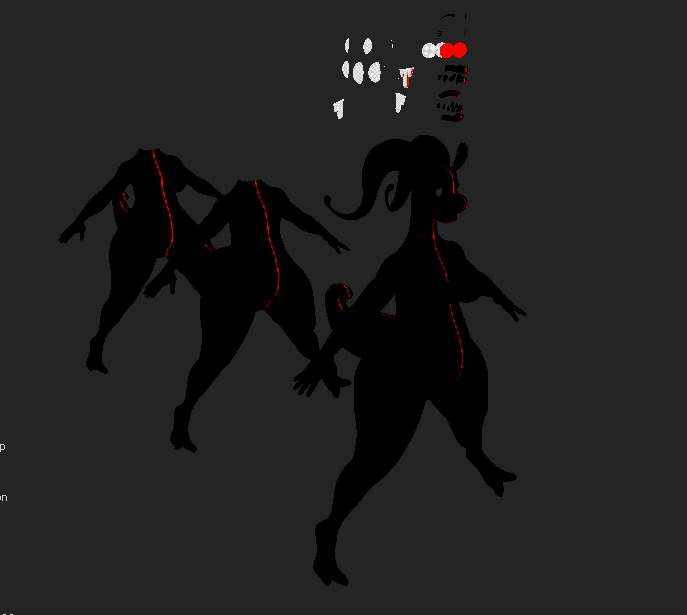
The red channel of the emission mask is used for making the eyes glow a little, the green, Blue and Alpha are unused, so feel free to use them for other things! Although, because alpha is not usually part of the color information for the emission property, in order to use it, you’ll have to use the custom channel User4, which I’ve renamed to “Emissive (Alpha)”.
UDIMs
refer to 🌳 Substance Painter Advanced#UDIM Workflow.
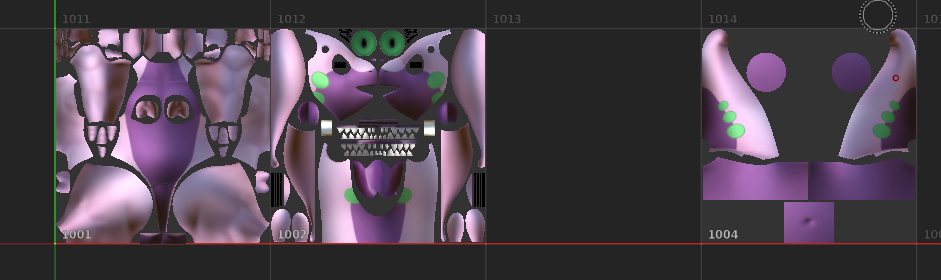
The first tile is for the Body, the second is for the head, the third is for the Goo material and penis, and 4 is used by the tail, nipples, belly button and crotch
Export settings
When you're ready to export, Choose where to export the textures and choose the cached template if possible.
In later versions of substance, the cached export setting may be incompatible. Refer to the next section to recreate it.
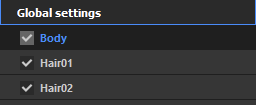
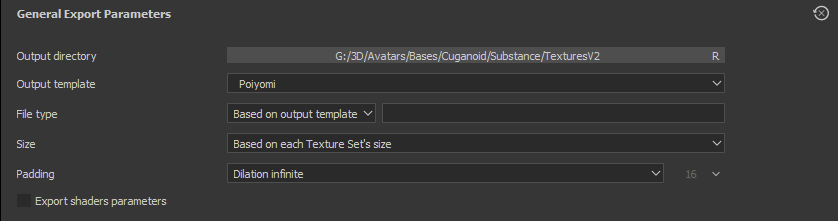
Template settings
This is the template settings I use for this project. Know that these settings might be different depending on the avatar being worked on.
Warning
Using the official export template from Poiyomi may not give the desired results!
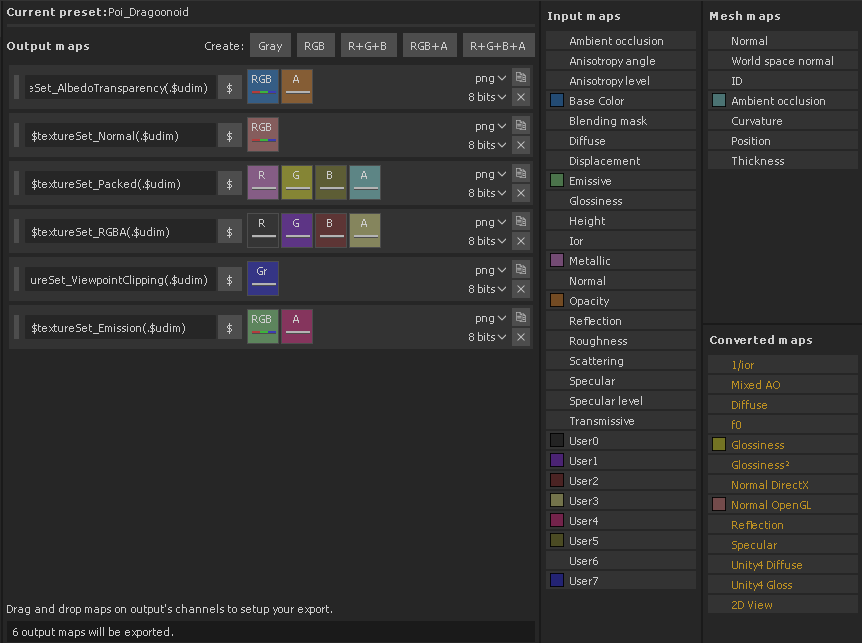
User0= R (Goo dots)
User1= G (Goo chin/Wrist)
User2= B (Outside of eyes)
User3= A (Unused)
User4= Emissive (Alpha)
User5= Wetness mask for "Packed" texture
User6= Subsurface Scattering Color
User7= Mesh Thickness
Success
Head to the 🥡 Unity Import Process section.