Unlike my newer projects, this avatar doesn't use drivers. The setup involved exporting the model with everything included, then separating the avatar into different prefabs that have all but one hairstyle stripped away.
In that sense, you don't technically need to use Blender for this avatar, as everything is already included in Unity.
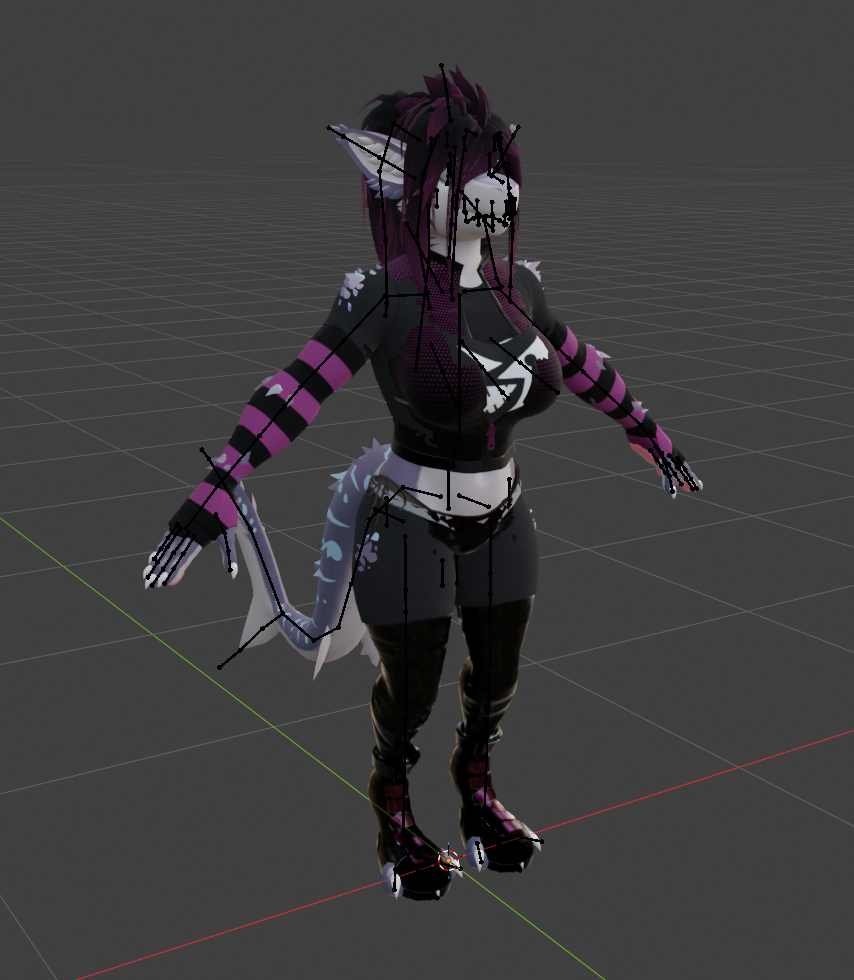
If you want to make modifications, like adding custom hair for instance, you can still use this guide for the export settings, but it is very out of date. I would recommend using armature link instead.
I've learned a significant amount since I released this model, and there are a lot of really bad decisions I made with this model that I wouldn't make now.
I will include the instructions I originally included with the model, with some modifications and notes, but again, keep in mind that a lot of the information is out of date.
Note
These specific instructions were written before Blender fixed exporting FBX blendshape normals. This split sharp edges setup is not a workaround I would recommend nowadays, as custom normals are still missing from the model.
Export settings
in order to keep sharp edges AND calculate normals in unity, sharp edges needed to be split. This was done with the split edges modifier in blender, with the first option deactivated, leaving only the edges marked as sharp. This process is used in order to have the normals be recalculated when a blendshape is applied. In other words, the boobs will look like they're actually round, and not like a round surface with flat shading. The downside of recalculating normals is that any information about normals that is already on the model is lost, meaning edges marked as sharp will be ignored. To work around this, we force the edge to be sharp by separating the connected faces from each other using the technique mentioned above.
if you want to modify the model, you'll find it easier to work with if the edges are merged together. You can select all vertices and merge by distance, however I HEAVILY RECOMMEND to be in the "basis" blendshape to do this.
Once you're done working, you can use a blender addon called "gret" to split the edges again.
Note
Gret has not been maintained for years and as of writing this, is still broken in later versions of Blender.
make sure NO BLENDSHAPES ARE CURRENTLY ACTIVE, disable the armature in viewport so it doesn't get deleted, then click the drop down arrow on the right of the blendshape list and apply modifiers with shape keys. You can then show the armature in viewport again, and export.
export everything in the scene, then change the apply scaling option to "FBX units". Make sure "add leaf bones" is disabled, and export. Replace the file outside of unity, with explorer.