🟥 Unity And VCC Setup
Note
If you already have Unity and VCC and have experience uploading avatar bases, head over to the 📦 Prerequisite Packages section
If you've never uploaded an avatar before, this section will teach you how to install everything you need to get started.
Unity Hub
The first thing we need to get started is to download Unity Hub, which will let you manage multiple Unity versions.
Once you've installed Unity Hub, you'll need the proper Unity version required by the VRChat SDK. The VRChat documentation always links to the Unity version that is currently used for the SDK. Make sure to download the version listed on the website, even if it differs from this guide.
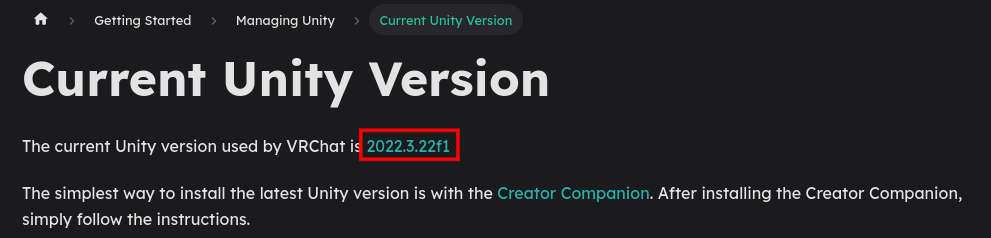
Clicking the version number on the website will bring you to the download page for that Unity version.
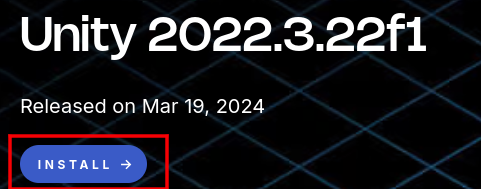
clicking the install button should prompt you to download it via Unity Hub
VRChat Creator Companion
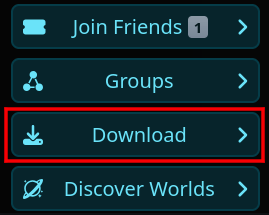
Next, if you're on Windows, navigate to the VRChat website and go to the "Download" section.
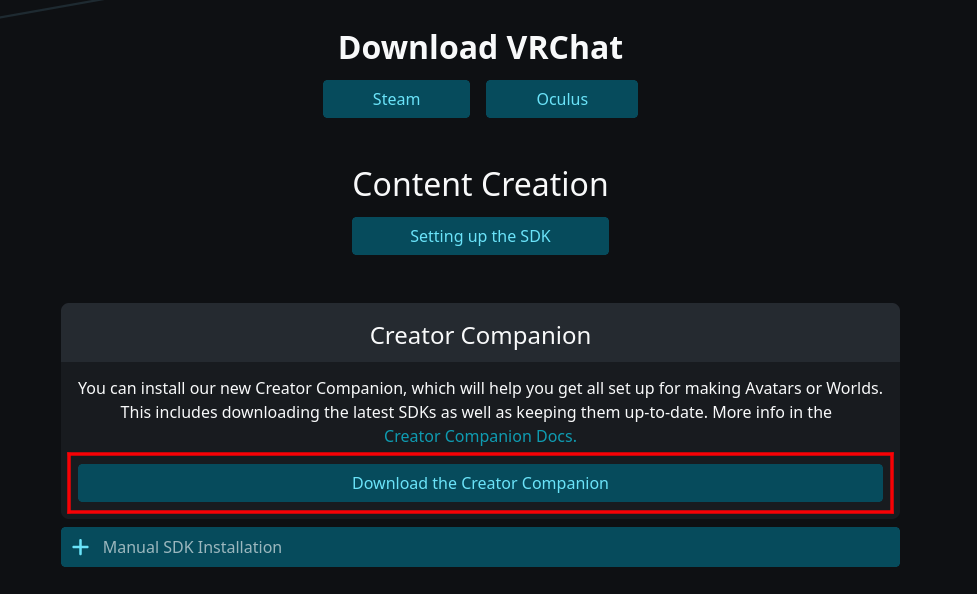
Click "download the creator companion" and install it. The VRChat Creator Companion is often shortened to "VCC"
You can also use ALCOM, which is a cross-platform alternative to the creator companion.
Required Packages
VCC/ALCOM allows you to keep track of tools and addons you might need in the SDK.
Poiyomi
Poiyomi is a feature-rich modular shader widely used by avatar creators. We need it for the model's materials to appear correctly.
In the github for Poiyomi, there’s a link to the repo it uses for VCC.
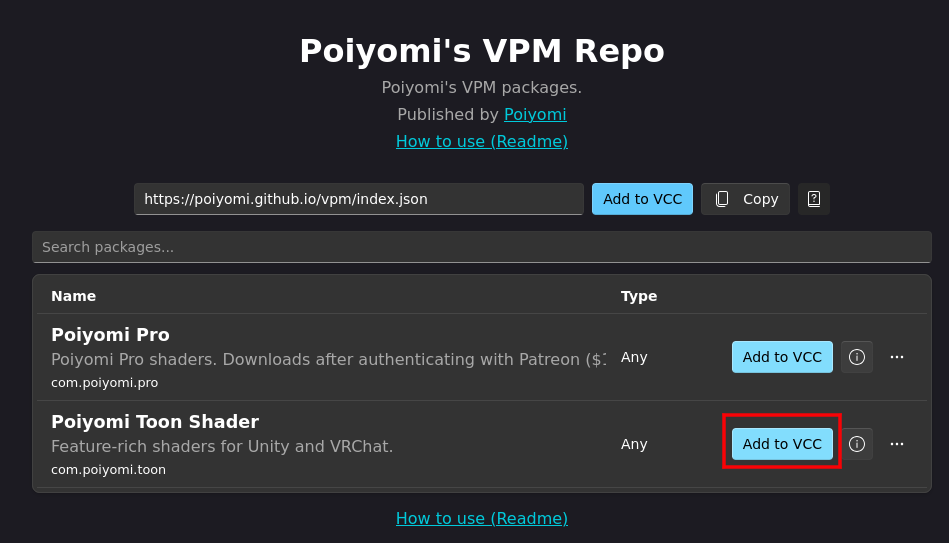
Click “Add to VCC” on "Poiyomi Toon Shader" and your browser should prompt you to add the repo to your VCC/ALCOM.

Poiyomi’s VPM repo should then appear in your list of packages.
VRCFury
VRCFury is a tool commonly used to automate and simplify certain actions in the avatar creation process, and is often required on certain avatars.

Head to the VRCFury download page and add it to the VCC
Jerry's Templates
VRCFT - Jerry's Templates is required for the face tracking to function. Even if you don't have face tracking, it's important to include it as to not end up with missing scripts.
Creating the Unity Project
Using the VCC, click "projects"

Then "Create New Project"

Then choose the "Avatars" template, and name it whatever you'd like. You can also choose where the project is saved, if needed.
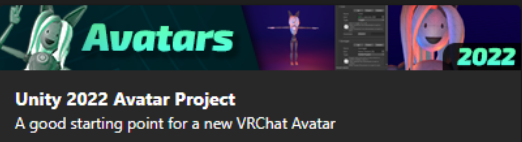
Once it's done creating your project, you'll need to add our required packages to it.
Head to "manage project" and click the + icon on VRCFury, Poiyomi and Jerry's Templates.

Note
You'll need to manually add all required packages every time you create a new project.
Success
You should now be ready to move to the 🟧 Unity Project Setup section!